Vibe Coding vs Real Coding: Modern Development Compared
1/28/2026

Vibe coding has become a hot topic in software development, sparking debates about whether it's a real alternative to traditional coding or just a trendy shortcut. Some people see it as a way to build apps faster using AI tools and natural language prompts. Others worry it skips the fundamentals that make good software work.
Vibe coding uses AI tools and simple prompts to generate code quickly, while real coding involves manually writing and organizing code with full control over structure, logic, and performance. The difference matters because each approach works better for different types of projects. If you're building a quick prototype, vibe coding might get you there faster. But if you need a complex app that scales, real coding gives you the precision and control you need.
Understanding when to use each method can save you time and help you pick the right tool for your project. This guide breaks down how both approaches work, what they're good at, and where they fall short. You'll learn which one fits your needs and how these tools are changing the way people build software.
Understanding Vibe Coding
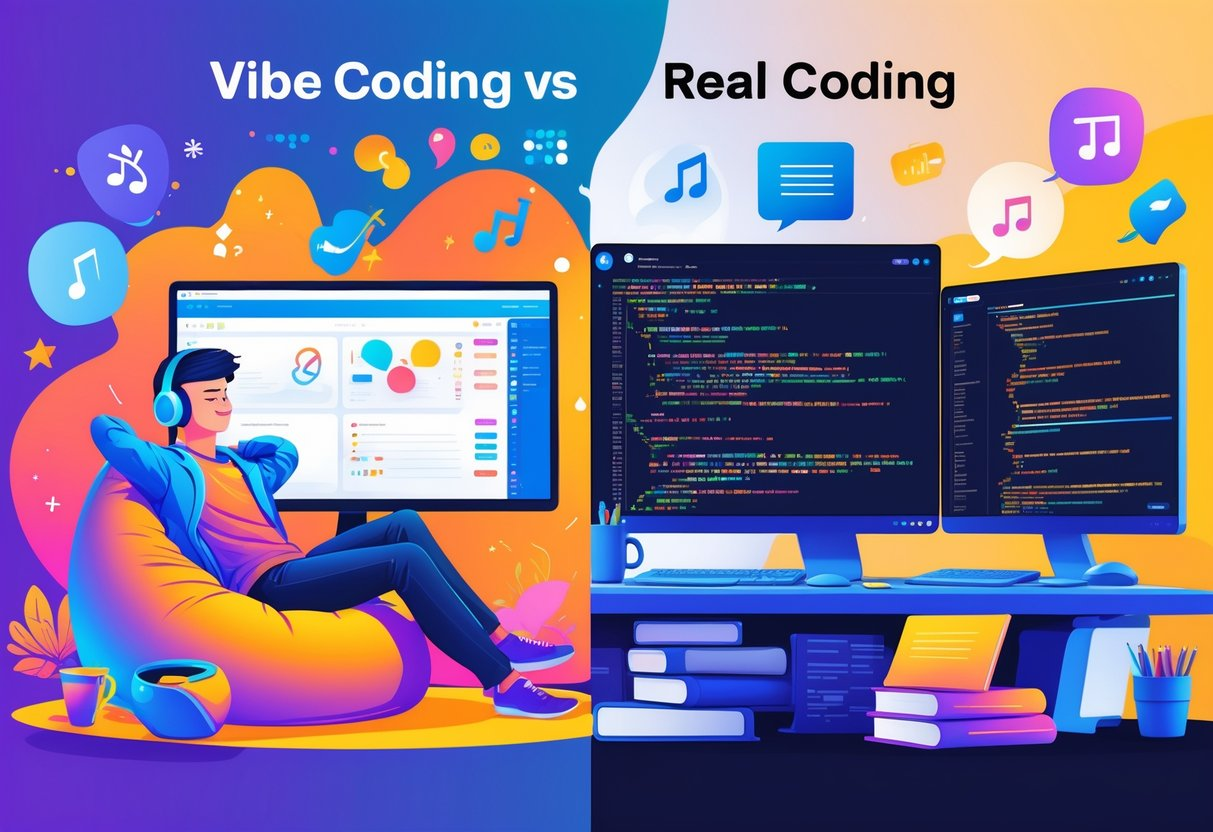 Two individuals coding side by side; one relaxed with casual surroundings and colorful shapes, the other focused at a desk with multiple monitors showing complex code
Vibe coding uses AI tools to generate code from plain language instructions instead of requiring you to manually write every line. The approach relies on natural language prompts and AI-powered tools that interpret your requests and produce working code in real time.
Definition and Origins
Vibe coding is a development approach where you describe what you want in plain English, and AI tools generate the actual code for you. Instead of memorizing syntax or spending hours writing functions line by line, you give instructions like "create a login form with email validation" and the AI produces the code.
The term "vibe coding" emerged around 2023-2024 as AI coding assistants became more capable. It started as a somewhat playful description of developers who relied heavily on AI suggestions rather than writing code from scratch. The name stuck because it captures how the process feels—you communicate the general idea or "vibe" of what you want, and the AI handles the technical details.
This approach differs from traditional coding because it lowers the barrier to entry. You don't need years of programming experience to build functional software. The AI acts as a translator between your ideas and working code.
How Vibe Coding Works
Vibe coding operates through prompt engineering, where you write clear instructions that AI models interpret to generate code. You type a request in natural language, and the AI analyzes your prompt to understand the intent. It then produces ai-generated code based on patterns it learned from millions of code examples.
The process typically happens inside an ai-powered ide or coding environment. As you work, the AI suggests completions, generates entire functions, or even builds full features from your descriptions. You can accept, modify, or reject these suggestions.
The quality of output depends heavily on how well you write your prompts. Specific, detailed instructions produce better results than vague requests. For example, "create a responsive navigation bar with dropdown menus and mobile hamburger icon" works better than "make a navbar."
Most ai-assisted coding tools also learn from context. They analyze your existing code to understand your project structure, naming conventions, and coding style. This helps them generate suggestions that fit naturally into your codebase.
Popular Vibe Coding Tools
Several platforms have become standard choices for vibe coding in 2026. GitHub Copilot integrates directly into Visual Studio Code and suggests code as you type. It excels at generating boilerplate code and completing repetitive tasks based on comments or partial code.
Cursor provides a complete IDE built specifically for AI-assisted development. Cursor ai offers inline suggestions and lets you select code blocks to request specific changes or improvements. The tool understands project context and adapts suggestions to match your coding patterns.
Replit Agent works within the browser-based Replit environment. It can scaffold entire projects, generate files, and help debug issues through conversation. The replit platform makes it accessible without requiring local setup.
Lovable focuses on making development approachable for non-programmers. It bridges the gap between no-code tools and traditional coding by generating full applications from natural language descriptions. This makes it popular with entrepreneurs and designers who want to prototype quickly.
Each tool offers different strengths. GitHub Copilot works best for developers who want AI assistance in their existing workflow. Cursor provides the most integrated experience for ai-powered ide users. Replit suits those who prefer browser-based development. Lovable serves users who need something closer to low-code or no-code platforms but with more flexibility.
Real Coding Explained
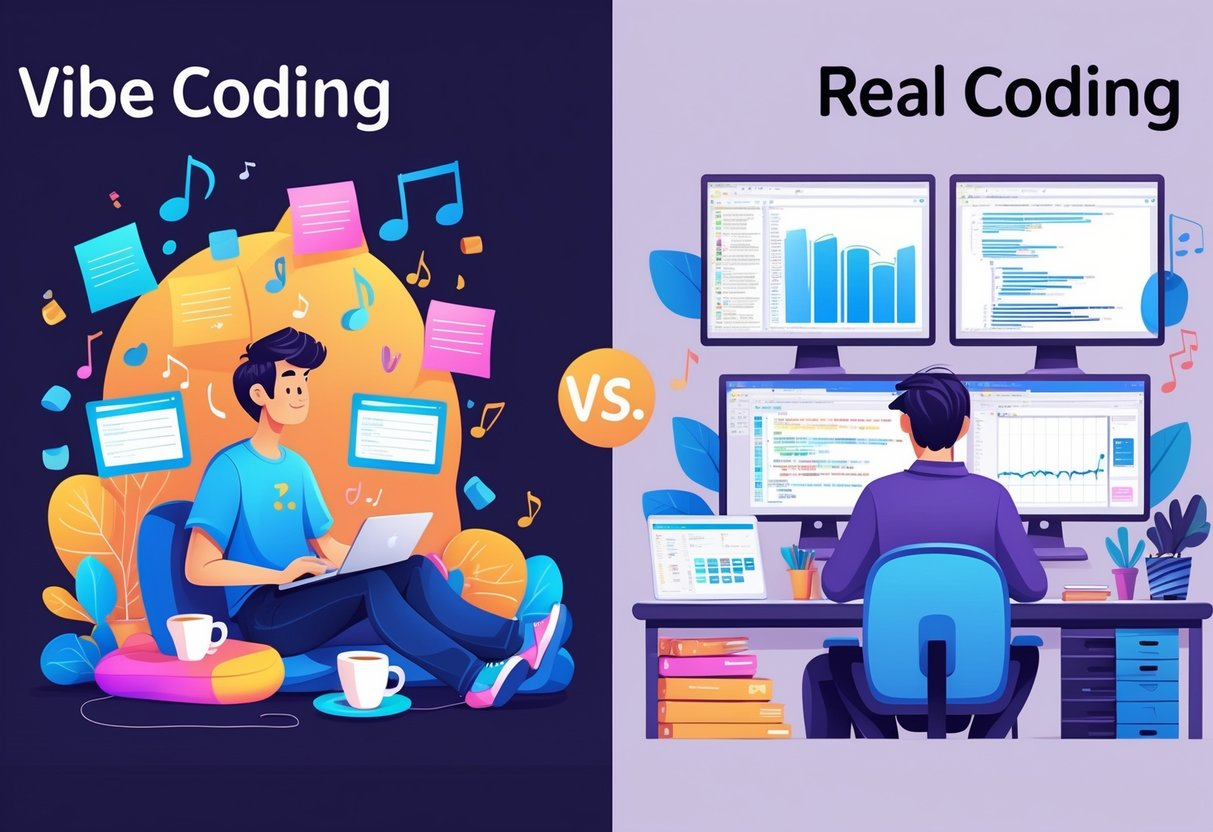 Two coders working side by side; one in a relaxed, casual setting with playful items, the other in a focused, organized workspace with multiple monitors displaying code.
Real coding involves writing, testing, and maintaining software by hand using programming languages, development tools, and established engineering practices. You control every line of code, make deliberate architectural choices, and take responsibility for how your software behaves in production.
Definition and Fundamentals
Real coding means you write source code manually in a programming language like Python, JavaScript, or Java. You open an IDE like VS Code or IntelliJ and type out functions, classes, and logic yourself. You decide how to structure your files, name your variables, and organize your modules.
This approach requires you to understand syntax, data structures, algorithms, and design patterns. You need to know how your language works, how memory gets managed, and how different parts of your system communicate. When something breaks, you read stack traces and step through code with a debugger to find the problem.
Real coding also means you own the quality of what you build. You write tests to verify behavior. You refactor messy code to keep it readable. You review pull requests to catch bugs before they reach users.
Key Principles of Real Coding
Real coding follows core practices that help teams ship reliable software.
Code quality matters from the start. You write clear variable names, break logic into small functions, and avoid unnecessary complexity. Clean code helps you and your team understand what the system does months later.
Version control tracks every change. You use Git to commit code, create branches, and merge work. Version control lets you roll back mistakes, collaborate without conflicts, and review what changed when bugs appear.
Testing catches problems early. You write unit tests for individual functions, integration tests for connected components, and end-to-end tests for full workflows. Tests give you confidence that changes don't break existing features.
Code review improves quality. You submit pull requests and your teammates review your code before it merges. They catch edge cases you missed, suggest better approaches, and help maintain consistent patterns across the codebase.
Traditional Coding Workflows
Traditional coding follows a structured cycle that moves code from your local machine to production.
You start by writing code locally in your IDE. You run your application on your computer, test features manually, and fix bugs as they appear. You commit your changes to a feature branch and push them to a shared repository like GitHub.
Your team reviews your pull request. They check logic, test coverage, and code style. You address their feedback and push updates until the code gets approved.
CI/CD pipelines run automated checks when you merge to the main branch. The system runs your test suite, checks code coverage, and builds deployment artifacts. If tests pass, the pipeline deploys your code to staging environments for final validation.
After staging approval, your code moves to production. You monitor logs, track errors, and watch performance metrics. When issues appear, you debug using production logs and roll back if needed. You repeat this cycle for every feature, bug fix, and improvement.
Key Differences Between Vibe Coding and Real Coding
Vibe coding and real coding take different paths to build software. The methods differ in how much control you have, who can use them, and what skills you need to get started.
Development Workflow Comparison
Real coding requires you to write each line of code yourself. You create functions, debug errors, and build the entire structure from the ground up. This process takes more development time but gives you complete visibility into how everything works.
Vibe coding speeds up the workflow by letting AI handle most of the code generation. You provide instructions in plain language, and the tool creates the code for you. This approach works well for rapid prototyping and building an MVP quickly.
Typical workflow differences:
| Real Coding | Vibe Coding |
|---|---|
| Write code line by line | Describe what you need in plain language |
| Manual debugging and testing | AI generates code to review and adjust |
| Full control over every detail | Guide the AI with prompts and refinements |
The time difference can be significant. Tasks that take hours with real coding might take minutes with vibe coding, especially when generating boilerplate code.
Code Control and Customization
Real coding gives you total control over your project. You decide the architecture, choose how to structure your data, and optimize performance exactly how you want it. When you need to explore different solutions, you understand every option because you built it yourself.
Vibe coding trades some control for speed. The AI makes decisions about how to implement your requests. You can modify the output, but you're starting from what the AI generated rather than building from scratch. This works fine for standard features but can create challenges when you need highly specific customization or unique functionality.
Accessibility and User Base
Real coding requires programming knowledge and experience. You need to understand syntax, data structures, and software principles. This creates a barrier for non-technical users who have ideas but lack coding skills.
Vibe coding opens development to a wider audience. Non-technical users can build working prototypes without learning programming languages. This democratization lets designers, product managers, and entrepreneurs create functional software with AI support.
The accessibility comes with tradeoffs. While more people can build things, they may not understand how their code actually works or how to fix problems without AI support.
Learning Curve and Skill Development
Real coding has a steep learning curve that requires time and practice. You need to master programming concepts, learn debugging techniques, and understand system architecture. This investment builds deep technical skills that transfer across projects and technologies.
Vibe coding has a gentler entry point. You can start building immediately by describing what you want. However, this ease can limit skill development. Relying on AI without understanding the underlying code may leave gaps in your knowledge when you face complex problems or need to maintain existing systems long-term.
Advantages of Vibe Coding
Vibe coding offers three main benefits that make it attractive for modern developers and beginners alike. It speeds up how fast you can build working software, makes coding accessible to more people, and helps teams test new ideas quickly.
Faster Prototyping and Development
Vibe coding cuts down the time you need to build a working prototype from days to hours. With AI-powered IDE tools like GitHub Copilot or Cursor, you describe what you want in plain language and get functional code immediately. This rapid development approach helps you skip writing boilerplate code by hand.
You can build complete features by prompting the AI instead of typing every line yourself. This works well for hackathons where speed matters more than perfect code. The AI handles repetitive tasks while you focus on the big picture.
For small projects or MVPs, vibe coding lets you test ideas without spending weeks on setup. You get results fast enough to show stakeholders or users and gather feedback early in the process.
Lower Barrier for Entry
Vibe coding makes software development accessible to people without years of programming experience. You don't need to memorize syntax or study computer science to build something useful. AI-assisted development tools interpret your natural language instructions and generate working code.
This approach bridges the gap between no-code tools and traditional programming. You can start with simple prompts and gradually learn more as you work. Beginners benefit from seeing how AI translates their ideas into actual code.
Low-code platforms combined with AI assistance let designers, entrepreneurs, and students create applications without extensive technical training. You can build internal tools, simple apps, or proof-of-concepts without hiring a development team.
Accelerating Innovation
Vibe coding helps you test multiple ideas in the time it would take to build one using traditional methods. You can experiment with different approaches, features, or designs without committing significant resources upfront. This rapid iteration cycle supports creative problem-solving.
Teams can validate assumptions faster by building quick prototypes that real users can test. The AI handles implementation details while you focus on what makes your product unique. This speeds up the path from concept to working software.
AI-powered development tools also help you explore technical solutions you might not have considered. The AI can suggest different ways to solve problems or implement features, expanding your options during the creative process.
Strengths of Real Coding
Real coding delivers the foundation needed for software that lasts. It gives you direct control over security measures, enables systems to grow with demand, and allows fine-tuned performance that AI tools can't match on their own.
Security and Code Quality
When you write code manually, you control every authentication flow and access control point in your application. You decide how users log in, what permissions they receive, and how sensitive data gets protected. This level of oversight matters when handling payment information, health records, or personal user data.
Real coding lets you review every dependency before it enters your codebase. You can verify that libraries don't contain known vulnerabilities and that your code follows secure patterns. With AI-generated code, these security checks often get skipped or overlooked.
Version control systems track every change you make. You can see who modified what code, when they did it, and why. This audit trail becomes critical during security reviews or when tracking down bugs. Your team can enforce code reviews before any changes reach production-ready status, catching issues before users encounter them.
Scalability and Maintainability
Applications built with real coding handle growth better because you design the architecture with scale in mind from the start. You choose database structures that support millions of records, not just hundreds. You set up caching layers and load balancing before traffic spikes occur.
Technical debt stays manageable when you understand your entire codebase. Refactoring becomes straightforward because you know which modules connect to others and what each function does. When requirements change, you can modify the system without breaking existing features.
Documentation and clear code structure make it easier for new team members to contribute. They can read your logic, understand your decisions, and extend functionality without accidentally introducing bugs. This collaborative advantage becomes vital as your team and product expand.
Performance Optimization
Real coding gives you the tools to measure and improve speed at every level. You can profile your application to find bottlenecks, optimize database queries that run slowly, and reduce memory usage in critical paths. These improvements directly affect user experience and infrastructure costs.
Deployment strategies like staged rollouts and performance monitoring require intentional setup. You configure metrics that alert you when response times increase or error rates spike. This observability helps you catch problems before they impact customers.
You control how your application uses resources. Background jobs can run during off-peak hours. API calls can include retry logic and timeouts. Expensive operations can be cached or computed ahead of time. These optimizations require understanding both your code and your infrastructure, something that comes from hands-on development work.
When to Use Vibe Coding vs Real Coding
Vibe coding works best for quick prototypes and simple projects, while real coding is needed for complex systems and production software. The right choice depends on your project size, technical requirements, and long-term maintenance needs.
Best Use Cases for Vibe Coding
You should use vibe coding when you need to build an MVP quickly or test an idea without investing weeks in development. It works well for simple calculators, landing pages, basic forms, and internal tools that don't require complex logic.
Vibe coding tools like Replit and GitHub Copilot help you create functional prototypes in minutes instead of hours. You can describe what you want in plain language and get working code immediately. This approach makes sense when you're exploring different design options or need to show stakeholders a working demo.
Small business owners and non-technical founders benefit most from vibe coding. You can build simple web apps, booking forms, or contact pages without hiring a developer. The code might not be perfect, but it gets the job done for low-traffic projects.
Testing and debugging are simpler in vibe-coded projects because the scope stays small. You can spot issues quickly and ask the AI tool to fix them. However, you'll struggle with custom features or advanced functionality that requires specific technical implementation.
Best Use Cases for Real Coding
Real coding is necessary when you're building production software that needs to scale, handle security, or support thousands of users. You need manual coding for e-commerce platforms, banking apps, healthcare systems, and any software where bugs could cause serious problems.
Complex features like role-based access control, payment processing, or API integrations require real coding. These systems need proper architecture, error handling, and security measures that vibe coding tools can't reliably provide. Code review becomes critical in these projects to catch bugs and maintain quality standards.
You should use real coding when working with legacy codebases or integrating with existing systems. Vibe coding tools struggle with large, established projects that have specific patterns and dependencies. Real developers understand how different parts of the system connect and can make changes without breaking things.
Long-term maintenance demands real coding skills. You need developers who can optimize performance, set up CI/CD pipelines, and update code as requirements change. Real coding gives you full control over your codebase, making it easier to debug issues and add features over time.
Hybrid and Collaborative Workflows
Many developers now combine both approaches to work faster without sacrificing quality. You can use GitHub Copilot to generate boilerplate code and basic functions, then manually refine the logic and add custom features. This hybrid method saves time on repetitive tasks while maintaining code quality.
Start with vibe coding to build your MVP, then switch to real coding as your project grows. This workflow lets you test ideas quickly and validate them with users before investing in proper engineering. Once you know what features matter, you can rebuild critical parts with clean, maintainable code.
Teams often use vibe coding for prototypes and documentation, while developers handle the core application logic. Designers can create UI mockups with vibe coding tools, and developers can translate those into production code. This collaboration speeds up the design process and improves communication between team members.
Code review becomes more important in hybrid workflows. Have experienced developers check AI-generated code before merging it into your main codebase. This catches issues early and ensures the code meets your team's standards for security, performance, and maintainability.
The Future of Software Development
AI tools are reshaping how developers work, changing career paths and creating new markets for development platforms. The industry is moving toward hybrid approaches where AI handles routine tasks while human developers focus on architecture and critical decisions.
AI Integration in Coding Workflows
AI-assisted coding is becoming standard practice across development teams. According to the 2023 Stack Overflow Developer Survey, over 70% of developers already use or plan to use AI coding tools. You'll see AI integrated into every phase of development, from writing code to generating tests and fixing bugs.
GitHub Copilot users complete tasks up to 55% faster than those coding manually. This speed boost matters most during prototyping and feature development. You can describe what you need in natural language, and the AI generates working code within seconds.
The workflow is changing from writing every line to reviewing and refining AI suggestions. You'll prompt the AI with clear instructions, evaluate its output, and adjust as needed. This requires new skills in prompt engineering and code evaluation rather than pure syntax knowledge.
Trends in Developer Tools
AI-powered IDEs and platforms are multiplying rapidly. Tools like Cursor, Replit, GitHub Codespaces, and Windsurf compete for developer attention. Each platform offers different features, from one-click deployment to automated testing.
Pricing models vary widely. Some tools charge per seat monthly, while others use token-based pricing or offer free tiers for individual developers. You'll need to evaluate costs based on team size and usage patterns.
Most platforms now include features powered by large language models that can generate, explain, and refactor code. They integrate directly into your existing workflows through plugins or standalone interfaces. You'll see more tools combining AI code generation with built-in deployment pipelines and testing frameworks.
Career and Industry Implications
Your role as a developer is shifting from pure coding to AI supervision and architectural design. Junior developers can now build functional prototypes, but senior engineers remain essential for security, scalability, and maintainability decisions.
New job titles are emerging around AI coding tools. Prompt engineers, AI code reviewers, and hybrid developer roles combine traditional programming knowledge with AI tool expertise. You'll need to adapt your skills to stay competitive.
The industry isn't eliminating programming jobs but changing their focus. You'll spend less time on repetitive tasks and more on complex problem-solving. Companies still need engineers who understand system design, security practices, and performance optimization—areas where AI tools currently fall short.