Vibe Coding vs Vibe Debugging: Navigating AI-Driven Development
1/29/2026

Software development is undergoing a transformation as AI tools reshape how code gets written and fixed. Vibe coding allows you to describe your goals in natural language while AI handles implementation, but vibe debugging uses AI agents to investigate and resolve issues through conversational interfaces instead of manual troubleshooting. These complementary approaches represent different sides of the same AI-augmented workflow, each with distinct benefits and challenges.
The rise of vibe coding has accelerated feature delivery, but it has also created new questions about code quality, maintainability, and the debugging burden that follows rapid AI-assisted development. You face a productivity paradox: generating code faster doesn't guarantee long-term efficiency if the output requires extensive debugging later. Understanding when and how to apply each approach determines whether you gain sustainable productivity or accumulate technical debt.
This article explores the practical differences between vibe coding and vibe debugging, examines their impact on quality assurance and continuous integration, and provides strategies for balancing speed with reliability. You'll learn how these AI-powered methods fit into modern development workflows and what the future holds as these technologies mature.
Defining Vibe Coding
Vibe coding represents a fundamental shift where developers describe their intentions in natural language and AI transforms those descriptions into executable code. This approach leverages AI coding technologies to accelerate development, though it introduces distinct challenges around code quality and technical understanding.
Natural Language to Code
Vibe coding allows you to express programming goals through conversational prompts rather than manual syntax. You describe what you want to build, and AI models like ChatGPT or tools such as GitHub Copilot and Cursor translate your requirements into working code. This process eliminates much of the traditional coding overhead.
The technology relies on generative AI trained on massive code repositories. When you provide a prompt, the AI interprets your intent and generates relevant code structures. You can then refine outputs through iterative prompting, adjusting your descriptions until the code meets your specifications.
This approach differs from traditional development where you write every line yourself. It also contrasts with standard AI-assisted development, which typically offers autocomplete suggestions rather than generating entire features from descriptions.
AI Coding Technologies and Tools
Modern AI coding technologies have evolved beyond simple code completion. Platforms like GitHub Copilot integrate directly into your development environment, offering real-time code generation as you work. Cursor provides an AI-native code editor designed specifically for vibe coding workflows.
OpenAI's models power many of these tools, enabling sophisticated code generation across multiple programming languages. Some platforms function as no-code or low-code solutions, allowing you to build applications with minimal technical knowledge. Others like Panto AI integrate quality checks and security scanning into the generation process.
These tools support various development patterns, from creating modular building blocks to generating complete application architectures. The technology continues advancing, with 44% of developers predicted to employ AI coding technologies by 2025.
Benefits of Vibe Coding
You gain significant speed advantages when using vibe coding for prototyping and feature development. The approach reduces the time spent on boilerplate code and routine implementations. Research indicates that 72% of developers view AI tools favorably for development work.
Vibe coding lowers the barrier to entry for software creation. You can build functional applications without deep expertise in specific programming languages or frameworks. This democratization allows more people to participate in software development.
The iterative nature of vibe coding supports rapid experimentation. You can test multiple approaches quickly by adjusting your prompts rather than rewriting code manually. This flexibility accelerates innovation cycles and enables faster validation of ideas.
Challenges and Limitations
Vibe coding prioritizes speed over deep code understanding, which creates maintenance risks. When you don't fully comprehend the generated code, you may struggle to debug issues or extend functionality later. The average software project contains 70 defects per 1,000 lines of code, and AI-generated code isn't immune to these problems.
Generated code may not align with your architecture patterns or performance requirements. Without rigorous validation, AI outputs can introduce security vulnerabilities, inefficient algorithms, or compatibility issues. Production bugs cost up to 30 times more to fix than catching issues during initial development.
You need to balance automation with oversight. Relying entirely on AI without code review or testing creates technical debt. Tools that combine generation with quality checks help mitigate these risks, but you still need sufficient technical knowledge to evaluate outputs critically.
Understanding Vibe Debugging
Vibe debugging leverages AI agents to investigate software issues through conversational interfaces rather than manual code inspection. This approach automates root cause analysis and provides contextual debugging based on your codebase's specific patterns and history.
AI Agents for Debugging
AI agents handle the heavy lifting in vibe debugging by autonomously navigating your codebase to identify issues. These agents understand code structure, analyze system behavior, and trace problems across multiple files without requiring you to set manual breakpoints.
Tools like Resolve AI and Panto AI exemplify this capability. They learn from your production systems and adapt their debugging strategies based on previous interactions. The agents can correlate errors across distributed systems, identifying cascading failures that traditional debugging methods might miss.
Your debugging workflow transforms from line-by-line inspection to high-level problem description. The AI agent interprets your intent, explores relevant code paths, and presents findings in natural language. This reduces the cognitive load of remembering syntax or navigating complex stack traces.
Conversational Debugging Methods
You describe what's broken rather than where it's broken. The debugging process resembles a dialogue where you provide symptoms and the AI asks clarifying questions or proposes hypotheses.
This intent-driven approach differs fundamentally from syntax-driven debugging. Instead of examining variables at specific breakpoints, you discuss expected versus actual behavior. The AI translates your descriptions into technical investigations automatically.
Key conversational elements include:
- Describing user-facing symptoms in plain language
- Asking the AI to explain unexpected outputs
- Requesting context about specific functions or modules
- Iterating on potential fixes through back-and-forth discussion
The system maintains conversation history, allowing you to reference earlier findings without repeating context. This continuity accelerates problem resolution compared to starting fresh with each debugging session.
Automated Debugging Features
Automated debugging eliminates repetitive investigative tasks through pattern recognition and intelligent analysis. The system performs root cause analysis by examining logs, traces, and code changes simultaneously.
Historical defect patterns inform current debugging sessions. If similar issues occurred previously, the AI surfaces those cases and their resolutions. This institutional knowledge prevents redundant troubleshooting efforts across your team.
| Feature | Function |
|---|---|
| Contextual debugging | Analyzes code within broader system architecture |
| Automated tracing | Follows execution paths without manual instrumentation |
| Pattern matching | Identifies recurring issues from historical data |
| Proactive suggestions | Recommends fixes based on similar resolved cases |
The automation extends to testing proposed solutions. Some platforms can generate test cases, apply fixes to isolated environments, and verify resolution before you commit changes.
Challenges Unique to Vibe Debugging
The conversational nature can obscure what's actually happening under the hood. You might accept AI suggestions without fully understanding the underlying problem, creating knowledge gaps that surface during future debugging sessions.
AI agents sometimes misinterpret your intent, especially with ambiguous descriptions. A vague symptom description may lead the agent down incorrect investigation paths, wasting time before you recognize the misdirection.
Common obstacles include:
- Context limitations: AI may lack visibility into proprietary systems or custom architectures
- Hallucinated solutions: Agents might suggest fixes that sound plausible but don't address root causes
- Dependency on training data: Debugging quality depends on the breadth of historical defect patterns available
You need validation skills to assess AI-generated findings critically. The speed of vibe debugging creates pressure to move fast, but rushing implementation of unverified solutions introduces new bugs. Balancing automation with manual verification remains essential for maintaining code quality.
Vibe Coding vs Vibe Debugging: Core Differences
Vibe coding emphasizes rapid feature creation through natural language prompts and AI assistance, while vibe debugging focuses on identifying and fixing issues in code that may have been generated quickly. The approaches differ fundamentally in workflow philosophy, quality priorities, and the level of human involvement required throughout software development.
Workflow and Mindset
Vibe coding operates on an experimental, forward-momentum approach. You describe what you want in natural language, iterate on AI-generated outputs, and push features into production quickly. This workflow prioritizes developer flow and reduces friction in the creation phase.
Vibe debugging requires a different mindset entirely. You shift from creation to investigation, examining code behavior and tracing defects that may not be immediately obvious. This process demands deep work and systematic thinking rather than rapid experimentation.
The transition between these modes can disrupt your productivity. When you're vibe coding, you're in an expansive state of possibility. When debugging, you need to narrow focus and methodically eliminate variables. Defect detection rates often suffer when developers remain in a vibe coding mindset while attempting to debug, as the quick-iteration approach doesn't translate well to problem diagnosis.
Speed vs Quality
Vibe coding delivers speed advantages in initial development. You can prototype features in minutes rather than hours, testing multiple approaches without writing every line manually. This acceleration matters most in early-stage projects where experimentation drives value.
Quality concerns emerge when speed becomes the primary metric. Code generated through vibe coding may contain hidden issues, technical debt, or security vulnerabilities that only surface later. Code reviews become more challenging because you may not fully understand the generated code's implementation details.
Vibe debugging addresses quality after the fact. You're essentially paying the time cost later that you saved during initial development. The relationship creates a productivity paradox: faster feature delivery doesn't guarantee long-term efficiency in software development. Your team's overall velocity depends on balancing both speeds.
Human Oversight and Automation
Your involvement in vibe coding centers on prompt crafting and high-level direction. You guide the AI tool, accept or reject suggestions, and integrate outputs. The code generation itself is automated, but you maintain control over what gets implemented.
Vibe debugging requires more direct human oversight. While AI tools can help identify issues, you need to understand the code well enough to verify fixes and prevent new problems. Inline annotated suggestions from debugging tools only work when you can evaluate their correctness.
Continuous code review practices become essential when using vibe coding extensively. You need mechanisms to catch issues before they reach production, whether through automated testing, pair programming, or dedicated review sessions. The automation that speeds up coding must be balanced with oversight that maintains quality standards.
Testing and Quality Assurance in AI-Generated Code
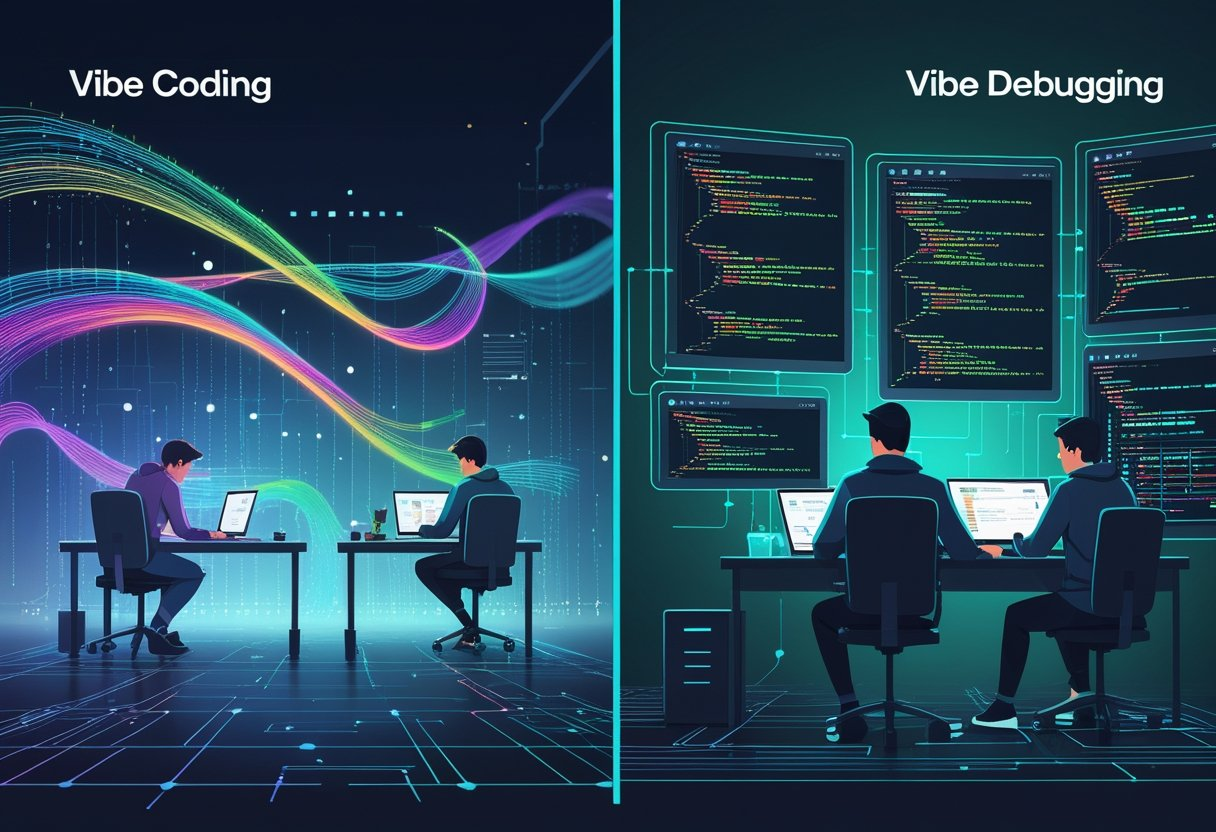 Two developers working side by side, one writing code with colorful lines flowing from an AI interface, the other analyzing code on transparent screens with highlighted errors, set in a high-tech environment.
AI-generated code requires fundamentally different quality assurance approaches than traditional development. Automated software quality checks must run continuously, testing strategies need to account for hidden assumptions, and production monitoring becomes essential for catching issues that slip through pre-deployment gates.
Automated Software Quality Checks
Static code analysis tools serve as your first line of defense against AI-generated vulnerabilities. You should integrate tools like SonarQube or Semgrep into your continuous integration pipeline to scan every pull request automatically.
These tools catch common security flaws before code reaches production. Research from Veracode shows that 45% of AI-generated code contains security vulnerabilities, including injection flaws, broken authentication, and hardcoded credentials.
Critical automated checks include:
- SAST scanning for security vulnerabilities
- Dependency scanning to identify outdated packages
- Secret detection to prevent credential leaks
- Code coverage analysis to ensure adequate test coverage
- Linting to enforce code style standards
Your CI pipeline should fail builds that don't meet minimum thresholds. Set code coverage requirements at 80% or higher for critical paths and configure security scanners to block merges when high-severity issues are detected.
Unit and Integration Testing
Unit tests validate individual functions while integration tests verify how components work together. Both become more critical with AI-generated code because you need to confirm the AI interpreted your requirements correctly.
Test-driven development works exceptionally well with vibe coding. Write failing tests that specify expected behavior, then let the AI generate code to pass those tests. This approach prevents the AI from determining both what the code should do and how it should do it.
Your unit tests should cover edge cases the AI might miss. Focus on boundary conditions, null values, empty inputs, and error handling scenarios. Integration tests should verify data flows between services and validate that APIs behave correctly under realistic conditions.
Regression testing automation catches when new AI-generated changes break existing functionality. Run your full test suite on every commit to identify breaking changes immediately.
Handling Edge Cases and Production Issues
User acceptance testing (UAT) reveals issues that automated tests miss. Have actual users validate AI-generated features in staging environments before production deployment. They'll catch usability problems and unexpected behaviors that technical testing overlooks.
Production environments expose defect detection gaps that only appear under real-world conditions. Implement application performance monitoring to track behavior anomalies and identify performance bottlenecks in live systems.
Production monitoring must include:
| Monitoring Type | Purpose |
|---|---|
| Error tracking | Captures unexpected failures and stack traces |
| Performance metrics | Identifies slow queries and response time issues |
| Security alerts | Detects potential attacks against vulnerabilities |
| Log analysis | Reveals unusual patterns indicating bugs |
Runtime monitoring is non-negotiable for vibe-coded applications. You need visibility into how AI-generated code actually behaves under production load, user patterns, and edge cases you couldn't anticipate during development.
Modern Code Review and Continuous Integration
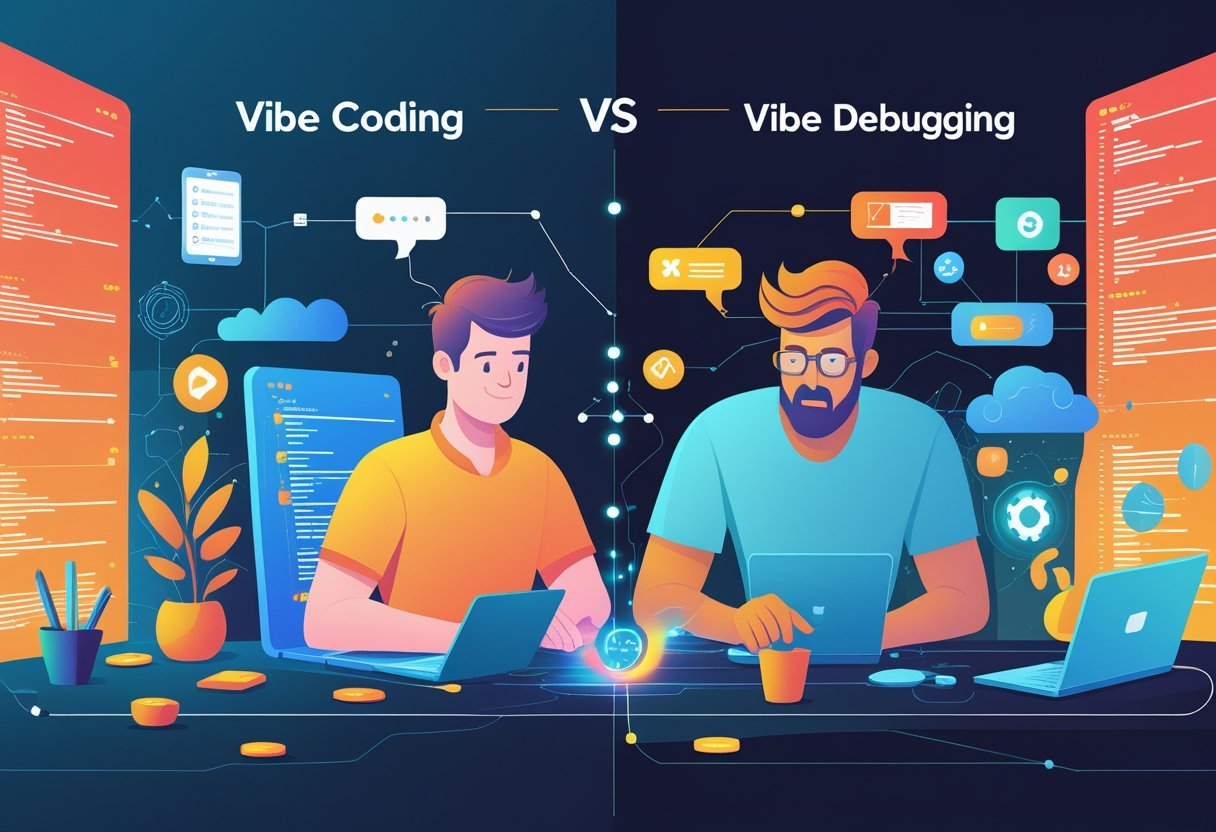 Two developers working side by side, one focused on writing clean code and the other actively debugging, connected by a glowing continuous integration pipeline with digital and network elements in the background.
Automated review platforms now integrate directly into CI/CD pipelines to validate code before deployment, enforcing security standards and architectural compliance at the pull request stage. These systems combine static analysis, pattern recognition, and real-time feedback to maintain code quality across development workflows.
Automated Pull Request Reviews
Automated pull request reviews execute quality checks the moment you commit code to your repository. These systems scan every change against predefined rulesets, identifying code smells like duplicated logic, excessive complexity, and violated naming conventions before human reviewers examine the code.
The automation runs in parallel with your CI/CD pipeline, providing immediate feedback without blocking your workflow. You receive inline comments highlighting specific issues, suggested refactoring patterns, and severity ratings for each detected problem. This approach reduces the manual burden on senior developers while maintaining consistent standards across your codebase.
Modern platforms like CodeRabbit and Greptile process pull requests within minutes, analyzing context from your entire repository rather than just the changed lines. They cross-reference your commit history, link related issues, and verify that new code aligns with existing patterns.
AI-Augmented Review Platforms
AI-augmented review platforms apply machine learning to understand your codebase's unique patterns and architecture decisions. These tools learn from your team's past reviews, approved changes, and rejected modifications to provide contextually relevant suggestions.
You get more than syntax checking—these platforms assess whether your implementation matches your stated requirements, identify potential performance bottlenecks, and flag deviations from your architectural standards. The AI analyzes your code against secure coding guidelines, detecting patterns that static analyzers miss.
Integration with DevSecOps workflows means security scanning happens continuously rather than at isolated checkpoints. The platforms connect with telemetry systems like OpenTelemetry to correlate code changes with production metrics, helping you understand the real-world impact of your modifications. You can deploy with confidence knowing that automated validation has verified compliance requirements and business logic constraints.
Pull Request Checks and Security Scanning
Pull request checks verify that your code meets security and quality thresholds before merging. Security scanning identifies vulnerable dependencies, outdated libraries, and known CVEs in your dependency tree automatically.
These checks enforce secure coding guidelines by detecting common vulnerability patterns: SQL injection risks, cross-site scripting vectors, authentication bypasses, and insecure data handling. You receive actionable remediation steps rather than generic warnings.
The scanning integrates with your continuous integration pipeline as mandatory gates. Failed security checks block deployment until you address critical issues. This prevents vulnerable code from reaching staging or production environments. Compliance enforcement becomes automated, ensuring your code meets regulatory requirements like SOC 2, GDPR, or HIPAA without manual audits.
Architecture and Compatibility Validation
Architecture validation ensures your changes align with your system's design principles and component boundaries. Architecture conformance testing automatically detects when you introduce dependencies that violate your layered architecture, create circular references, or break module isolation.
These tools analyze your codebase structure to identify architectural drift—gradual deviations from your intended design that accumulate over time. You get warnings when new code creates tight coupling between modules that should remain independent.
API integration validation checks that your changes maintain backward compatibility with existing interfaces. The system tests your API contracts against consumer expectations, verifying that response schemas, authentication flows, and endpoint behaviors remain consistent. This prevents breaking changes from reaching dependent services or external integrations. Continuous code review pipelines combine these validations into a unified feedback loop that runs on every commit.
Best Practices for Balancing Vibe Coding and Debugging
Successful teams balance AI speed with human judgment by establishing clear workflows that leverage automation while maintaining control over critical decisions. The key is creating systems where AI-assisted recommendations accelerate development without compromising code quality or security.
Combining Automation with Human Oversight
You need to treat AI as a first-pass tool rather than a final authority. Set up review gates where human oversight verifies business logic verification before code reaches production. This means establishing rules about which changes require manual review—typically anything touching authentication, payment processing, or data privacy.
Configure your AI-driven code platforms to flag high-risk modifications automatically. When the AI suggests fixes for security vulnerabilities, always validate against your secure software development life-cycle requirements. For on-premise deployment environments, this becomes even more critical since rollback options may be limited.
Create a tiered approval system:
- Low-risk changes (formatting, simple refactors): AI review only
- Medium-risk changes (new features, API updates): AI review + peer check
- High-risk changes (authentication, data access): AI review + senior developer + security audit
Track false positives from AI recommendations to improve your prompts over time. Document which types of suggestions consistently need correction.
Optimizing for Developer Flow
You should minimize context-switching between AI generation and manual debugging. Keep your debugging tools integrated directly into your coding environment rather than jumping between separate platforms. This aligns with agile best practices by reducing friction in your feedback loops.
Implement zero-trust architecture principles in your development workflow. Even when AI generates code quickly, verify each component before integration. Set up automated tests that run immediately after AI-generated changes, catching issues before they compound.
Build small, focused iterations rather than letting AI generate large code blocks. Request specific, testable changes that you can validate within minutes. This keeps you in control and prevents debugging sessions from spiraling into multi-hour investigations of AI-introduced bugs.
Maintaining Documentation and System Architecture
Your system architecture documentation must stay current as AI generates code. Require that every AI-generated feature includes comments explaining its purpose and dependencies. This prevents the common vibe coding problem where code becomes a black box after a few iterations.
Create living architecture diagrams that update with each sprint. When AI suggests refactoring, verify it against your documented patterns before accepting. This prevents architectural drift where different modules follow incompatible conventions.
Establish documentation standards specifically for AI-generated code:
| Documentation Type | Update Frequency | Owner |
|---|---|---|
| API contracts | Every change | Developer + AI |
| Database schemas | Weekly review | Tech lead |
| Security policies | Monthly audit | Security team |
| Integration maps | Per sprint | Team consensus |
Use AI to help maintain documentation, but verify accuracy through code review. Outdated documentation combined with fast AI generation creates maintenance nightmares.
Future Trends and the Evolving Role of AI in Development
AI agents are moving beyond simple code completion toward autonomous development capabilities, while production environments increasingly demand robust quality controls for AI-generated code. The shift from vibe coding to vibe debugging reflects a maturing ecosystem where rapid prototyping meets enterprise-grade reliability requirements.
AI-Driven Development Tools
The landscape of AI-driven development tools is evolving from passive assistants to active agents. GitHub Copilot now includes "Agent Mode," which breaks down high-level goals into subtasks and works across multiple files autonomously. The Model Context Protocol enables these tools to integrate with your broader engineering stack, including databases and repositories.
By 2025, platforms like Cursor, Windsurf, and Bolt.new represent a new generation of AI-native IDEs. These tools don't just suggest code—they generate entire applications from natural language prompts. The competition between AI-native platforms and traditional IDE plugins is shaping two distinct development paths.
Access to advanced models like Claude 3.7 Sonnet, Gemini 2.0 Flash, and GPT-4.5 is now tiered through subscription models. GitHub Copilot offers plans ranging from $20/month for Pro (300 premium requests) to $39/month for Pro+ (1500 premium requests). This pricing structure reflects the computational cost of sophisticated AI assistance.
Andrej Karpathy's vision of "giving in to the vibes" has catalyzed industry-wide adoption, with 40% of developers reporting that AI has already expanded their career opportunities. The tools you use today will continue integrating deeper context awareness and multi-step reasoning capabilities.
AI-Generated Code Quality
Production environments expose the critical gap between rapid prototyping and maintainable software. AI-generated code often lacks optimization, security best practices, and clear architectural structure. You'll need to review outputs for input validation, error handling, and performance bottlenecks that AI systems may overlook.
Debugging AI-generated code presents unique challenges. When you didn't write the original logic, tracing errors through dynamically created structures becomes significantly harder. Studies show developers complete tasks 55% faster with AI assistance, but this speed advantage disappears if debugging time increases proportionally.
Key quality concerns:
- Security vulnerabilities from insufficient input validation
- Performance inefficiencies in algorithm selection
- Maintainability issues without proper documentation
- Dependency management and version conflicts
Your role shifts from writing every line to orchestrating and validating AI outputs. This requires deeper architectural understanding, not less. The "code first, refine later" philosophy works for MVPs but demands rigorous review before deployment.
Emerging Technologies and Industry Impact
AI-augmented development pipelines are becoming standard practice. By 2030, projections indicate 25% of Y Combinator startups will build most code with AI assistance, with 80% of routine tasks automated. This democratization enables non-developers to build functional applications, expanding the creator pool beyond traditional programmers.
The developer role is transitioning from syntax expert to AI orchestrator. You'll spend more time on high-level design, effective prompting, and critical evaluation of generated outputs. Seven in ten developers expect their roles to change significantly by 2026, making software engineers the first truly AI-native workforce.
Enterprise adoption is accelerating despite quality concerns. Organizations are implementing hybrid approaches that combine rapid AI-generated prototypes with human-led refinement and testing. The balance between development speed and code quality remains the central challenge as these tools mature.